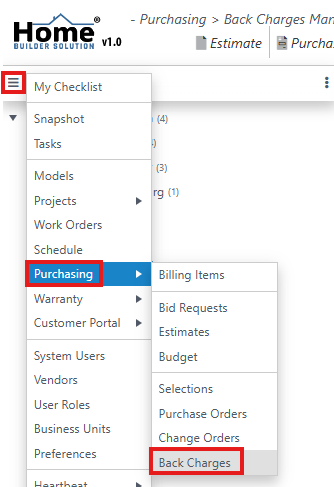
Go to the navigation menu and then select Purchasing. Then click on Back Charges.
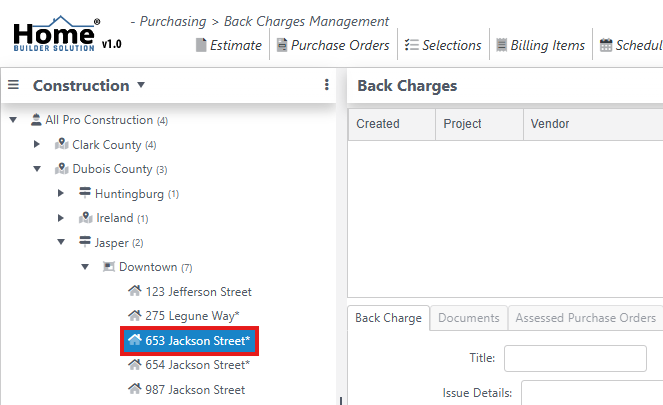
In the content panel, navigate to the project.
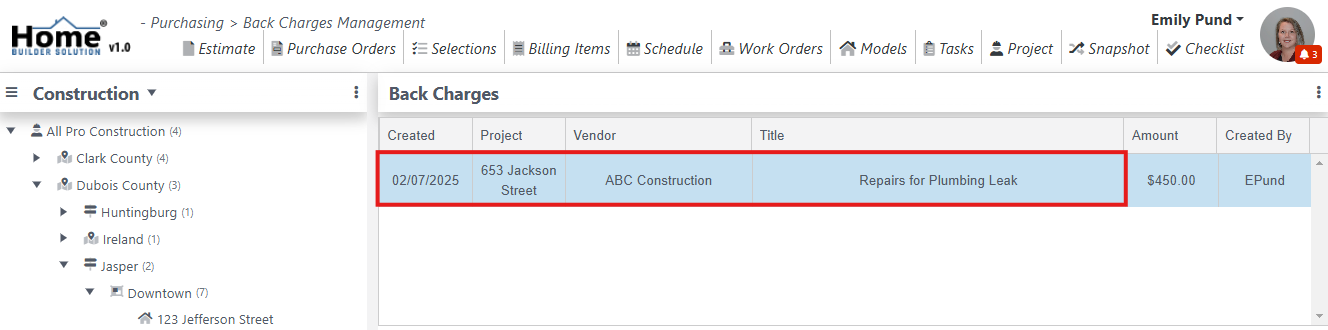
Select the back charge.
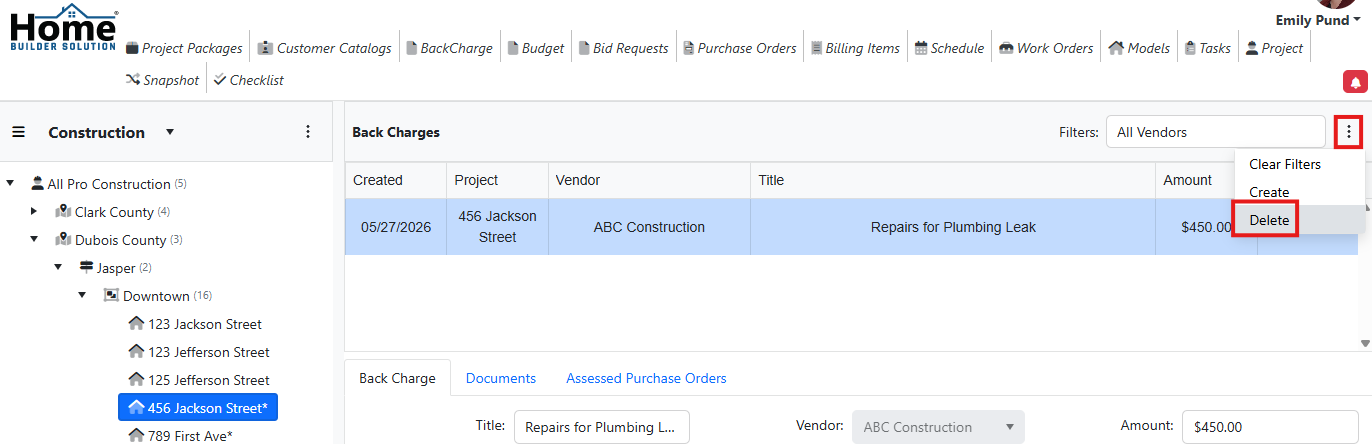
Click on the action menu and then select Delete.
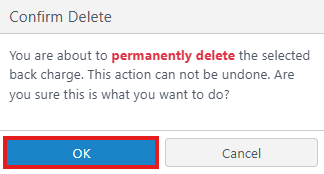
Click on Ok to confirm the delete.
Was this article helpful?
That’s Great!
Thank you for your feedback
Sorry! We couldn't be helpful
Thank you for your feedback
Feedback sent
We appreciate your effort and will try to fix the article