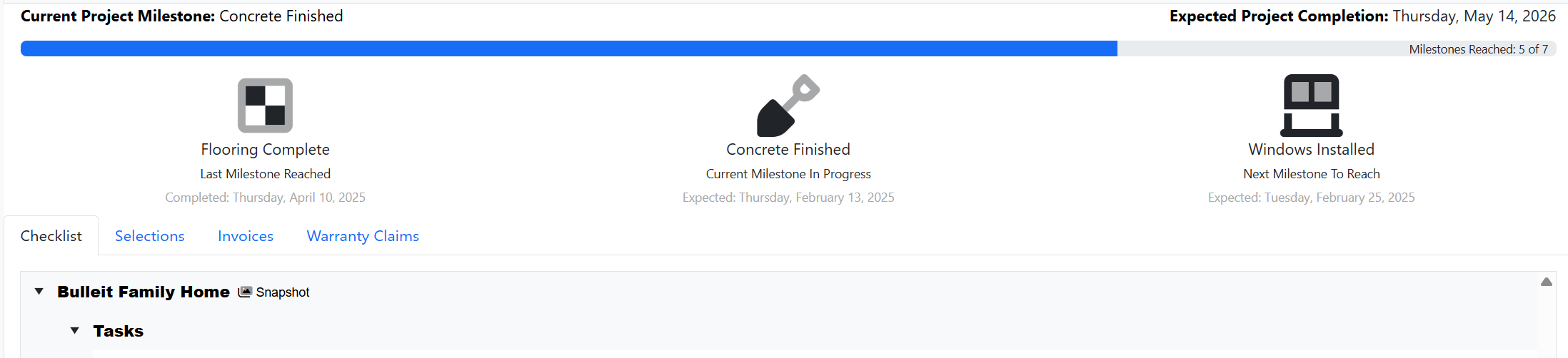
At the top of the customer portal screen, you will see Project Milestones. These milestones will show you the last milestone reached, the current milestone in progress, and the next milestone.
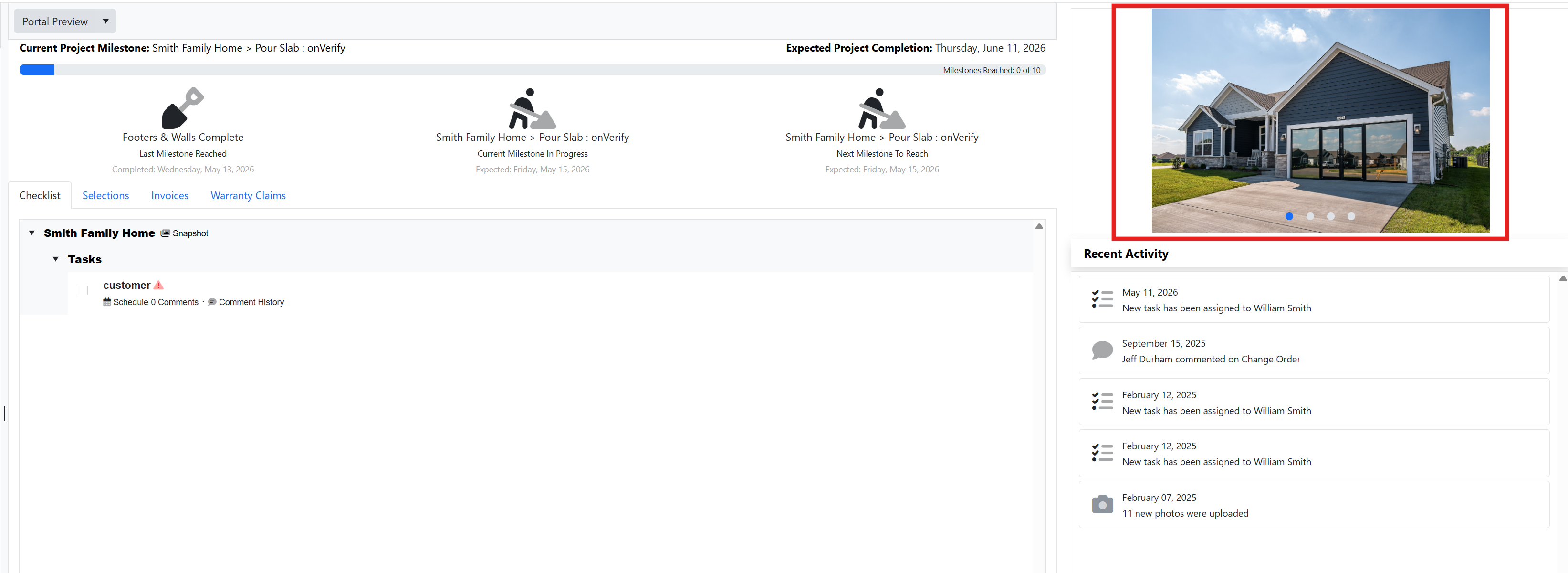
You can also click through any photos that have been shared with you:
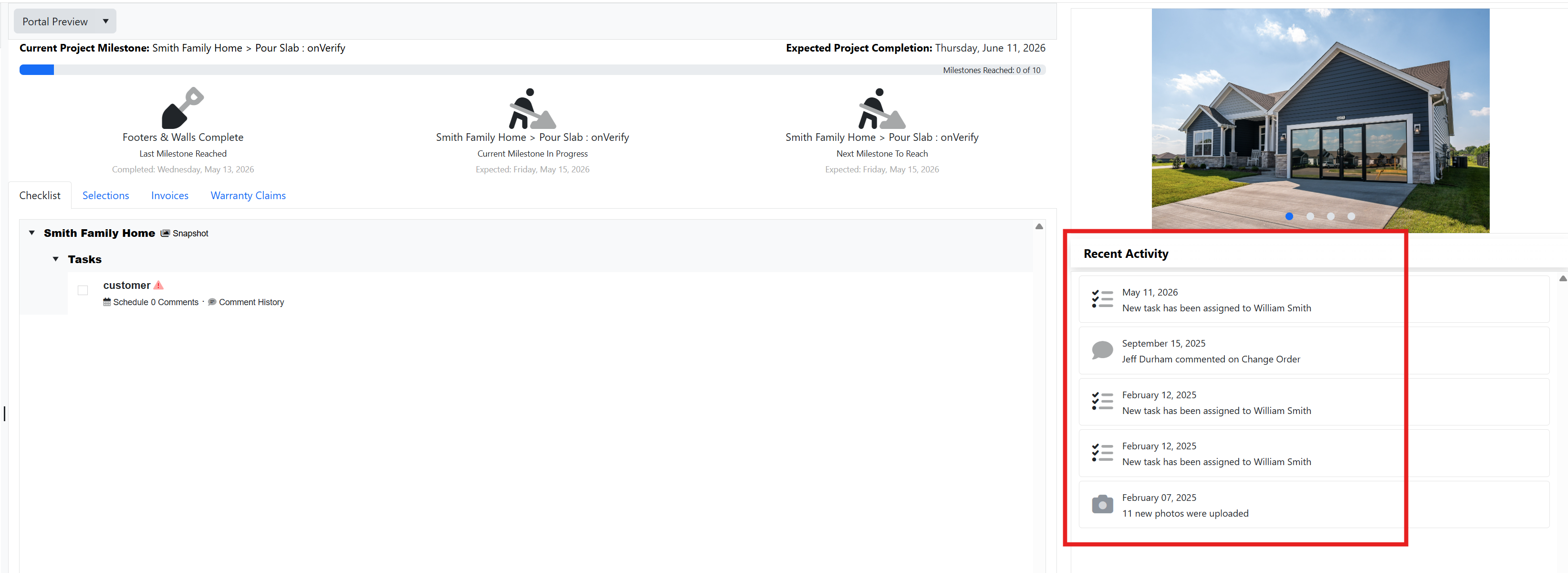
Under the Recent Activity section, you will find activity updates:
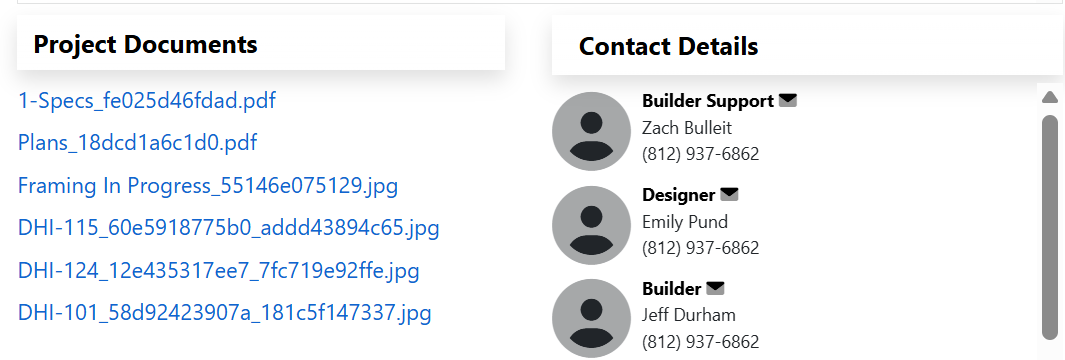
At the bottom of the screen, you will see any project documents that have been shared with you as well as key contact details:
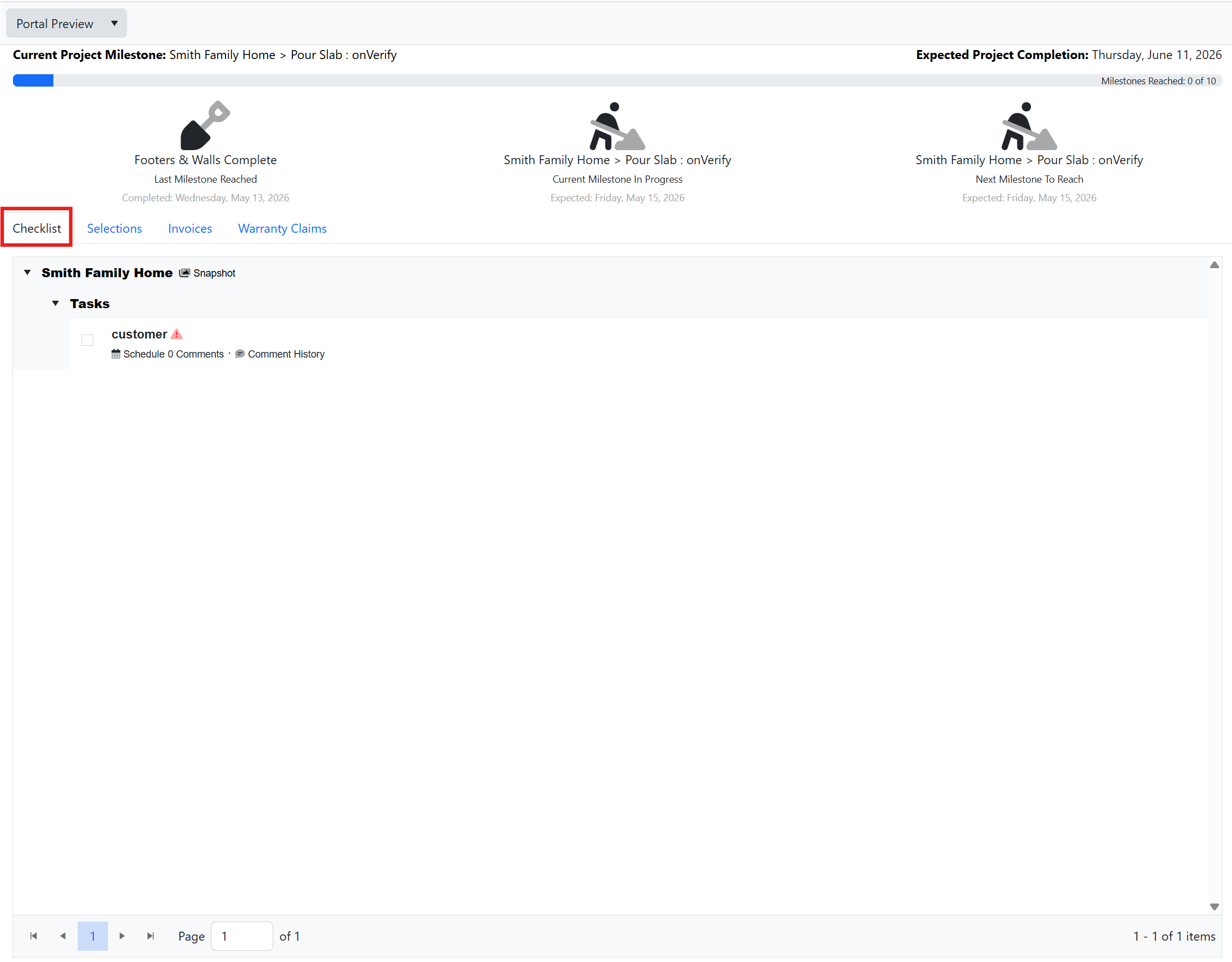
If you're on the Checklist tab, you will see any tasks that have been assigned to you:
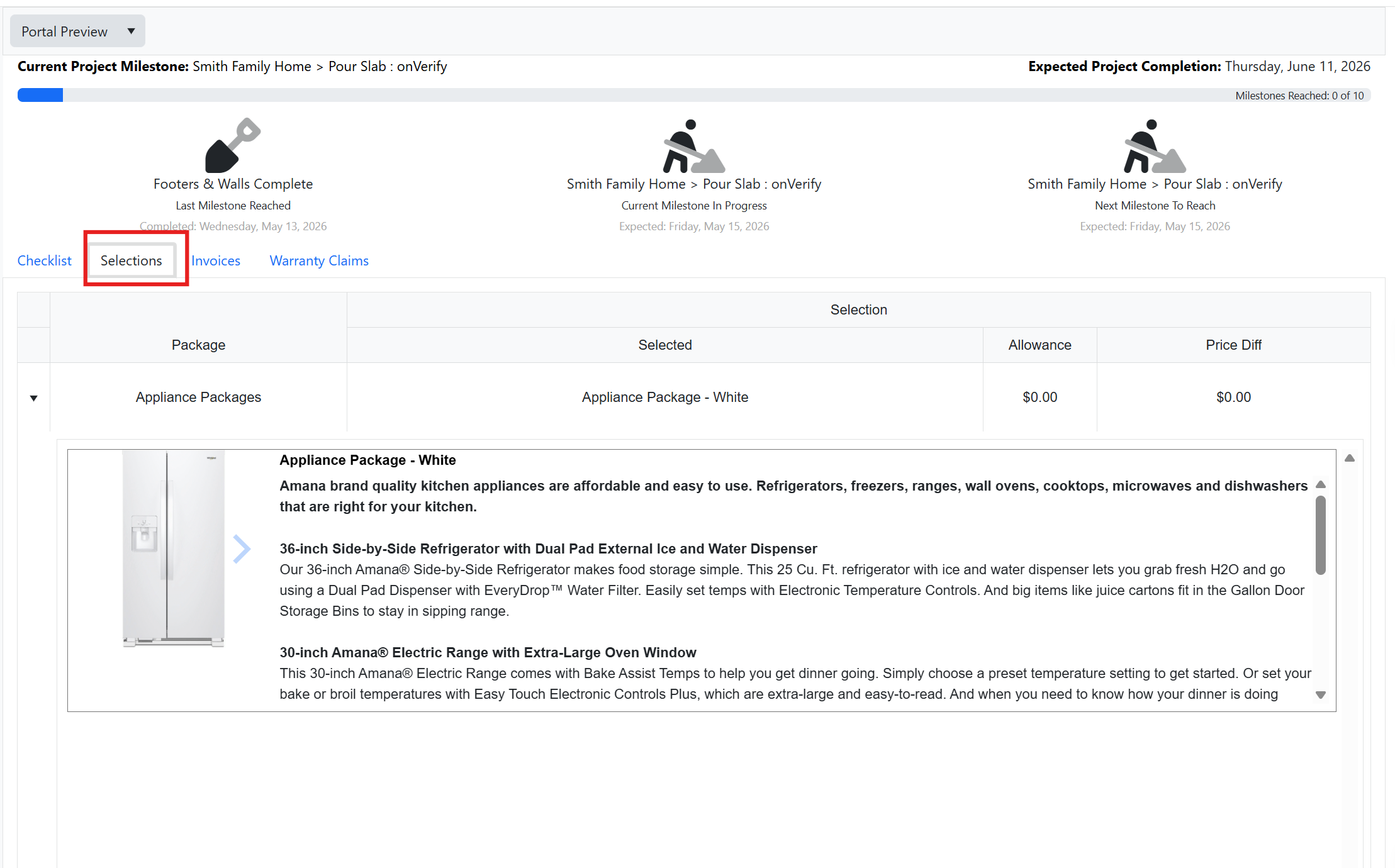
The Selections tab will show you all project selections that have been assigned to your project. To select a package, simply click the blue checkmark next to the option:
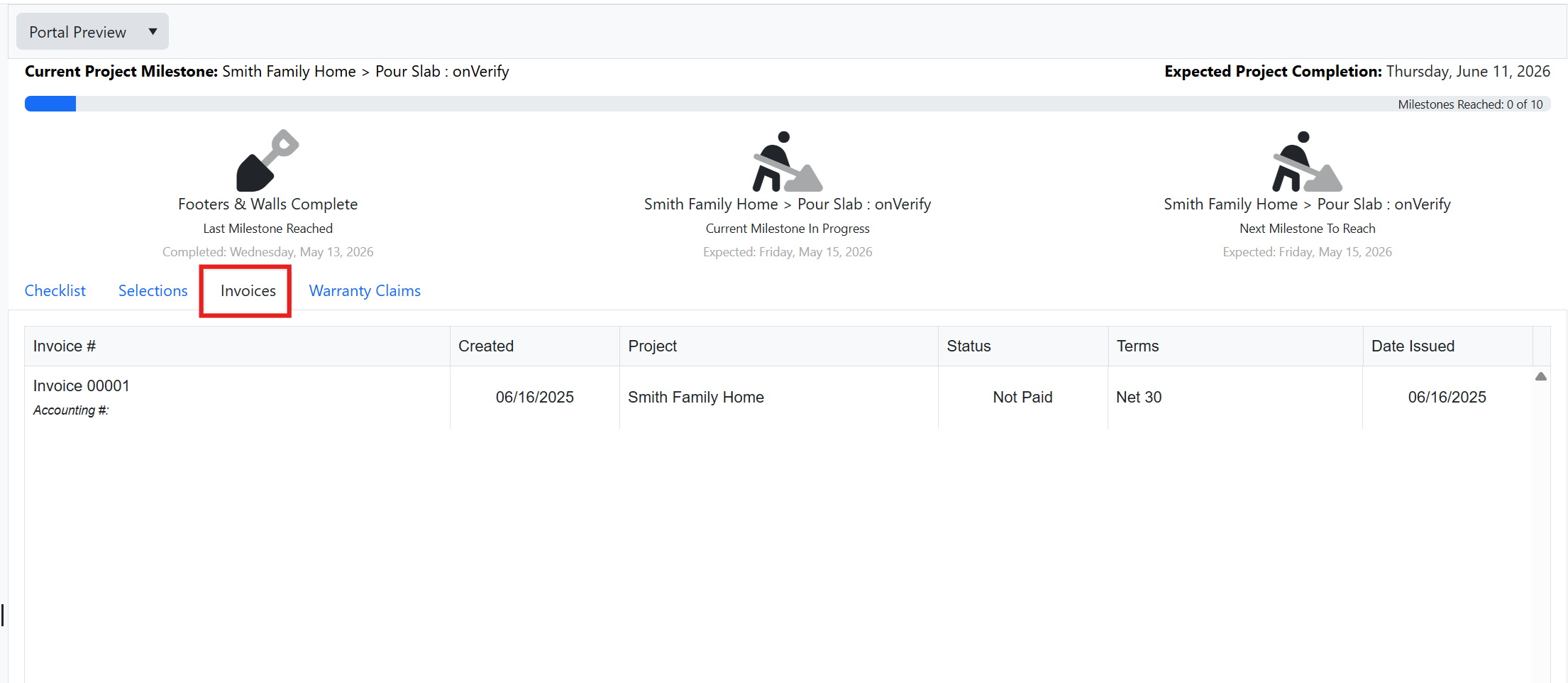
Click on the invoices tab to view invoices:
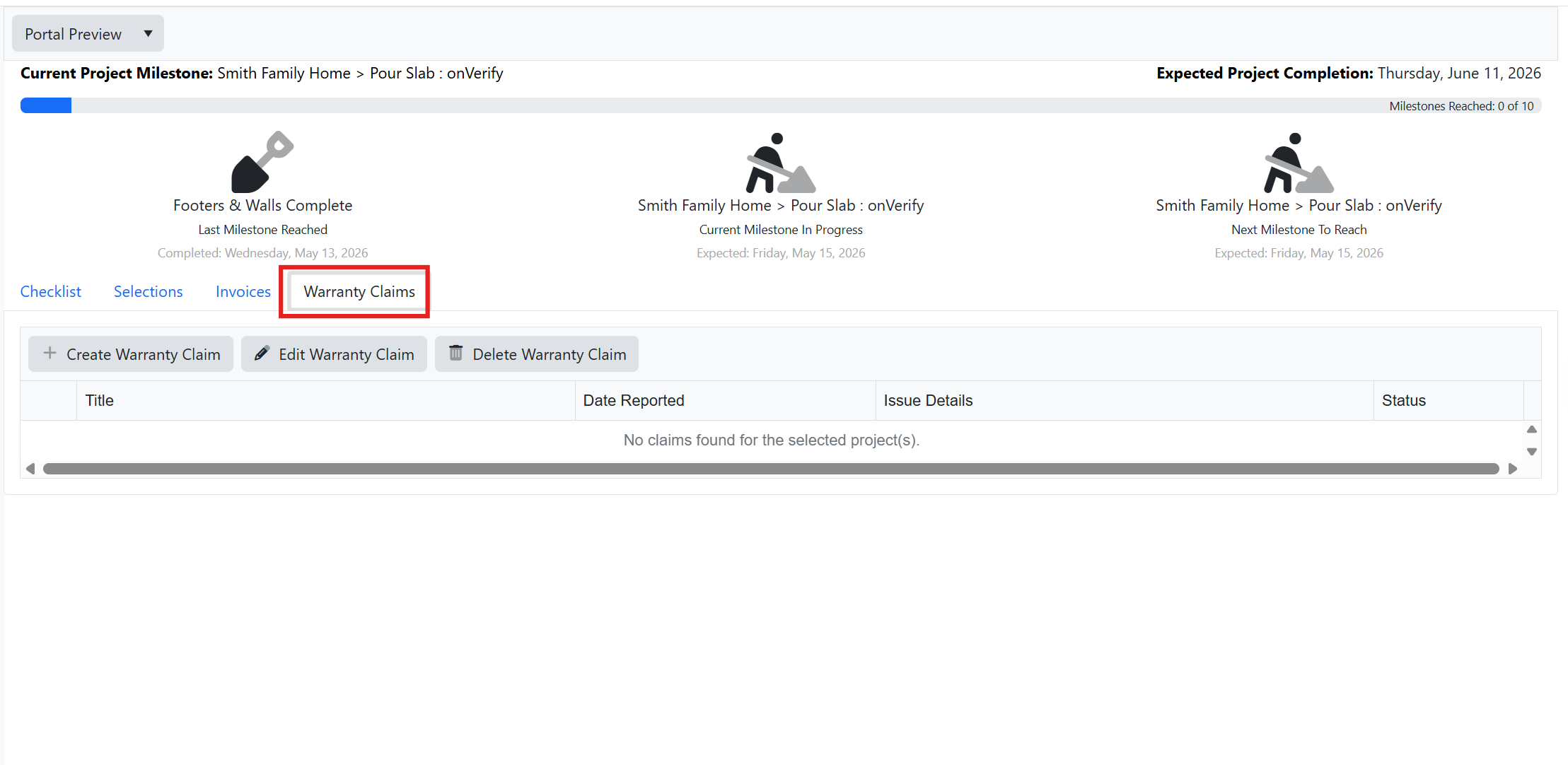
Use the Warranty Claims tab to create a warranty claim that will notify the builder:
Was this article helpful?
That’s Great!
Thank you for your feedback
Sorry! We couldn't be helpful
Thank you for your feedback
Feedback sent
We appreciate your effort and will try to fix the article