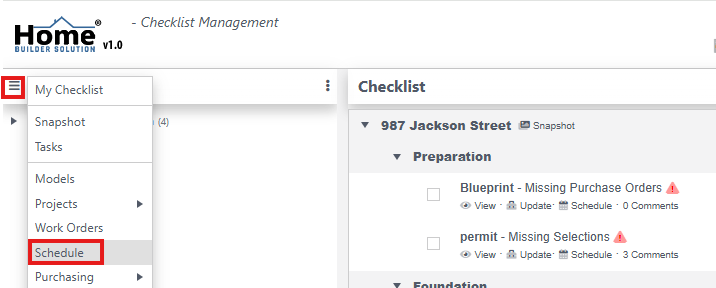
Go to the Navigation menu and then click on Schedule.
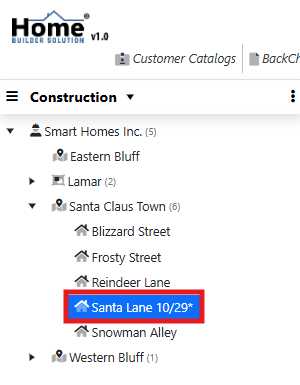
Select the business unit or project to view.
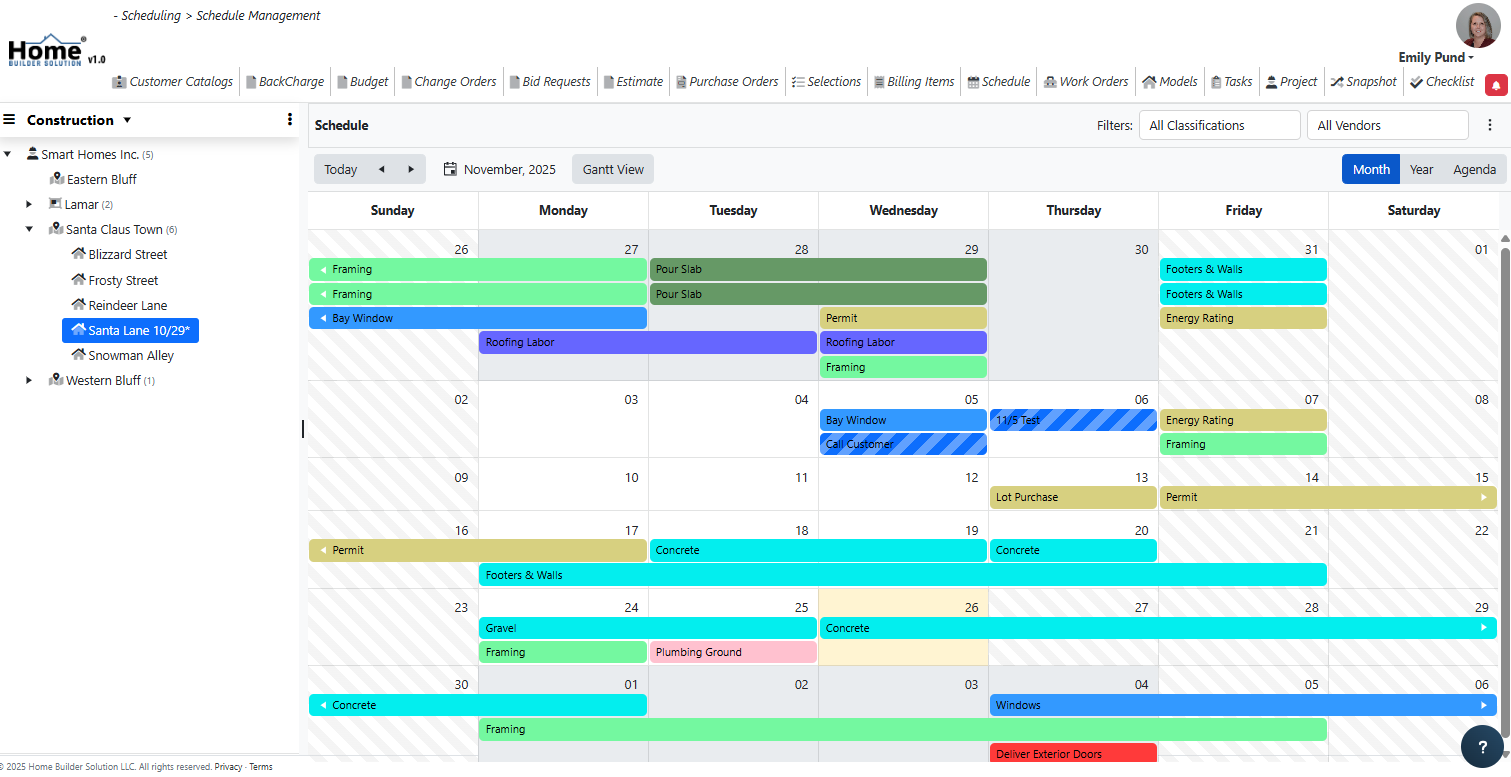
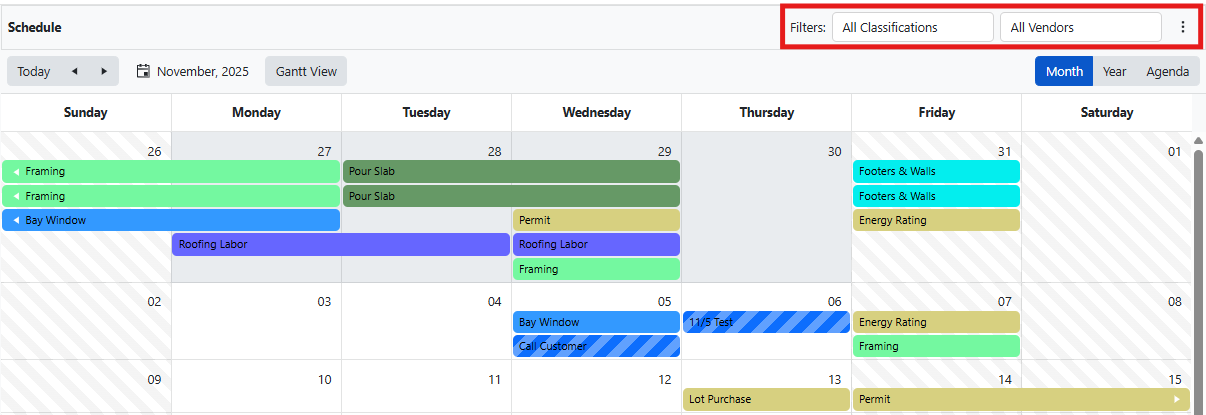
The work orders will be displayed on the calendar.
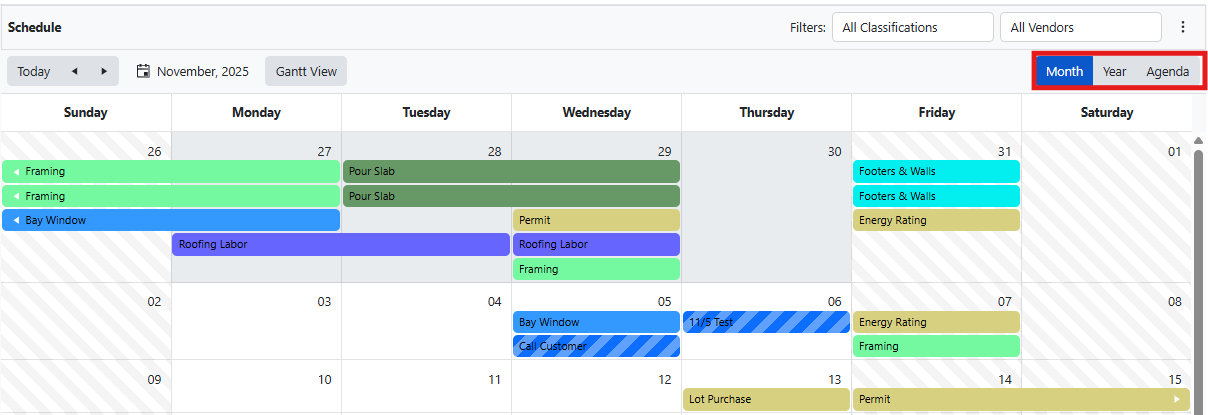
Toggle between calendar views using the Month, Year, and Agenda options.
Select the filter options to filter the schedule by Classification and/or Vendor.
Was this article helpful?
That’s Great!
Thank you for your feedback
Sorry! We couldn't be helpful
Thank you for your feedback
Feedback sent
We appreciate your effort and will try to fix the article